3D configurator
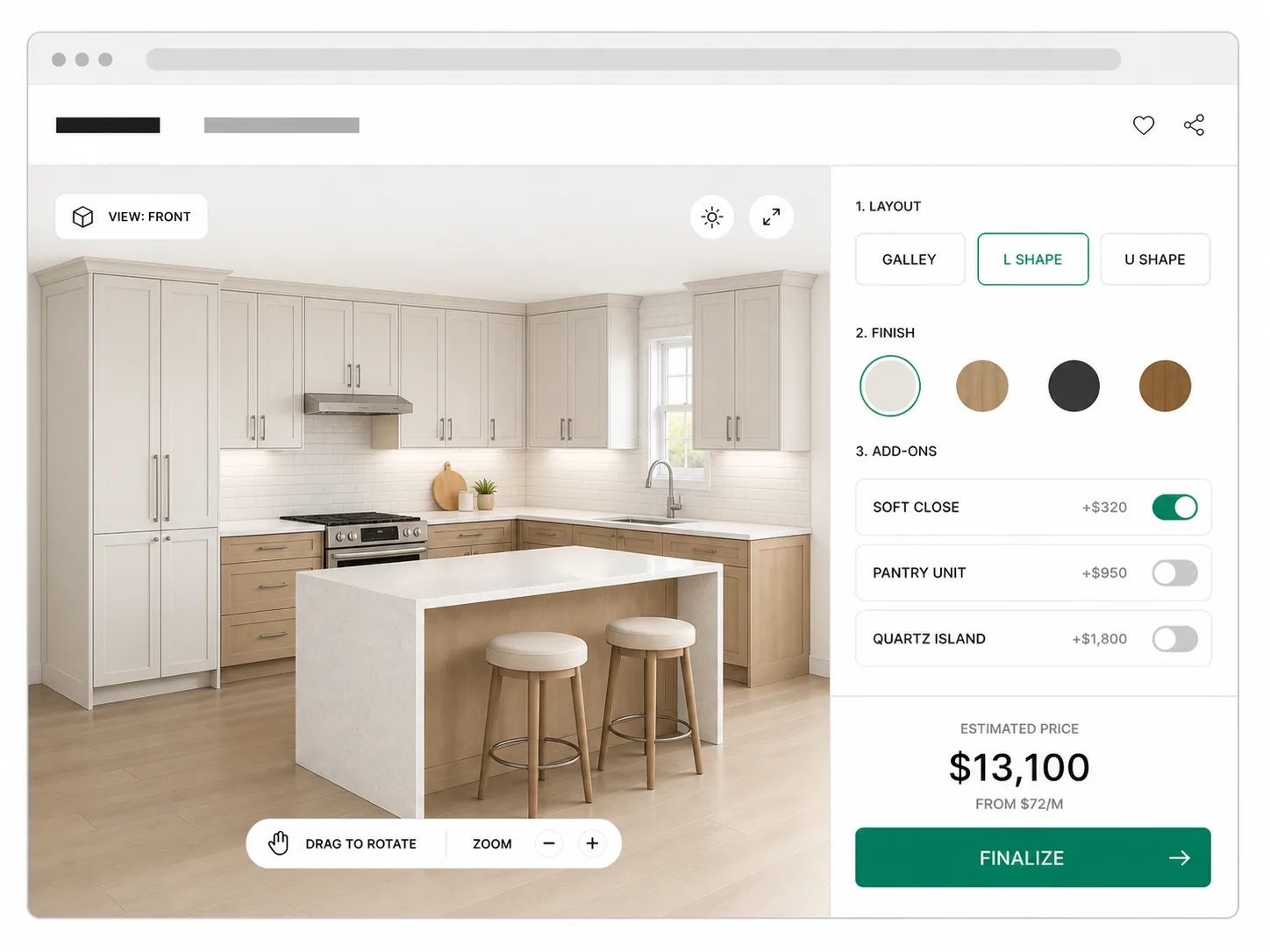
The buyer builds the product and sees it in 3D.
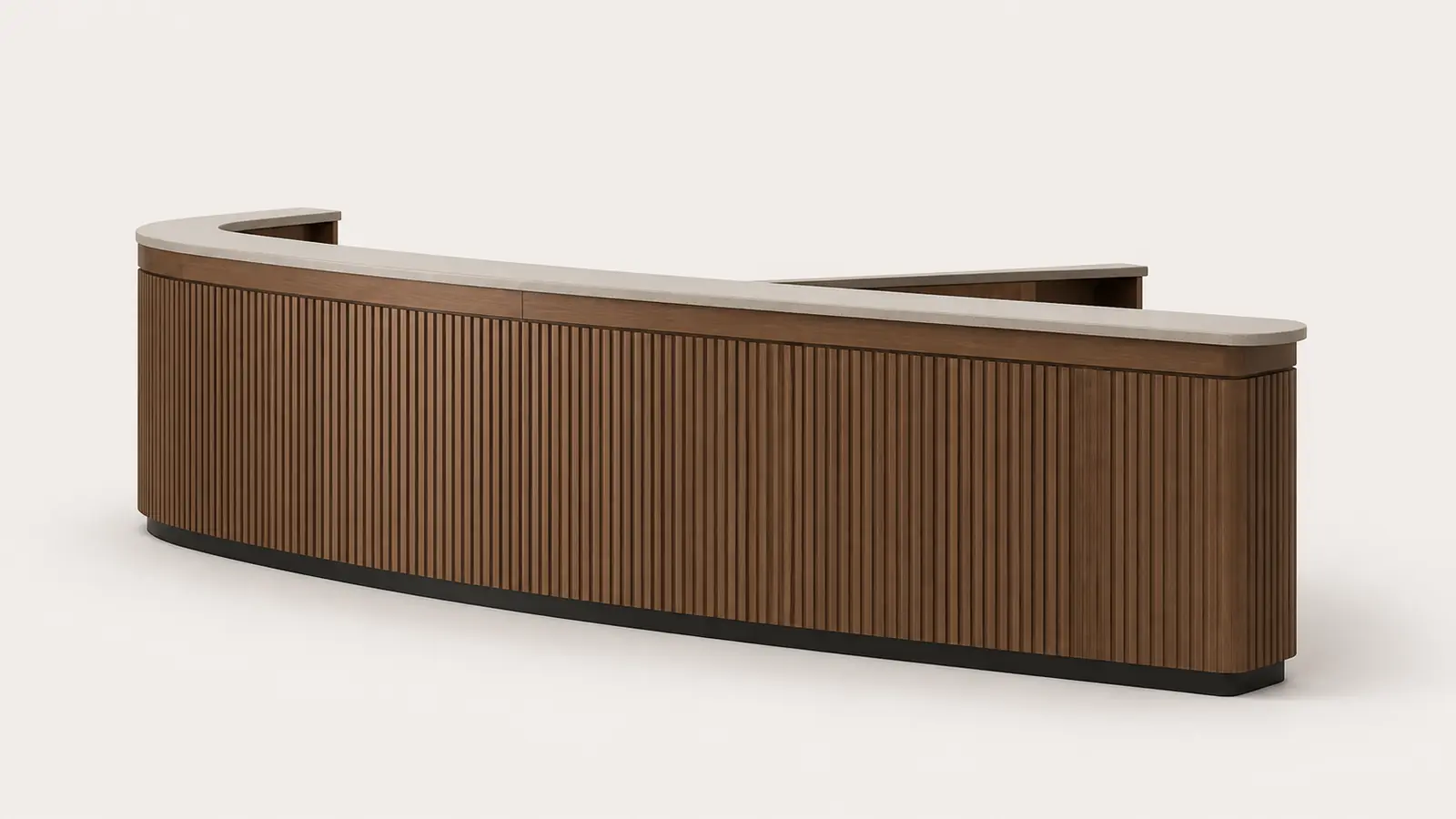
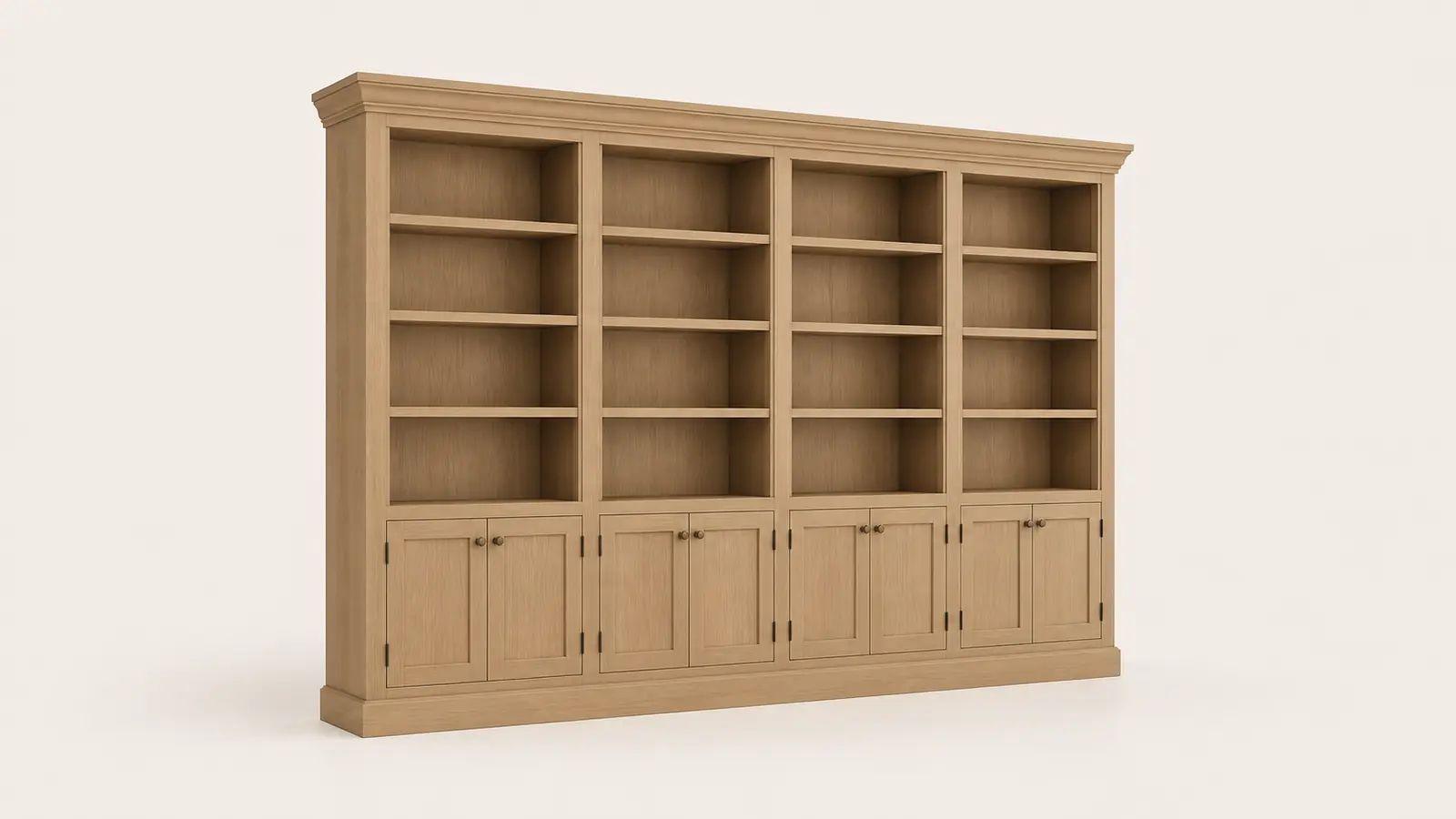 LIVE 3D12 FT RUN
WHITE OAKOPEN SHELVESVIEW 3D
Your shop prices custom cabinets by the linear foot, by door style, by box. Your dealers quote the same way at the counter. On screen, pick the door style, the box, the finish, and the hardware, and the estimate builds as you go. The proposal prints from the same build. Nobody draws the job first.
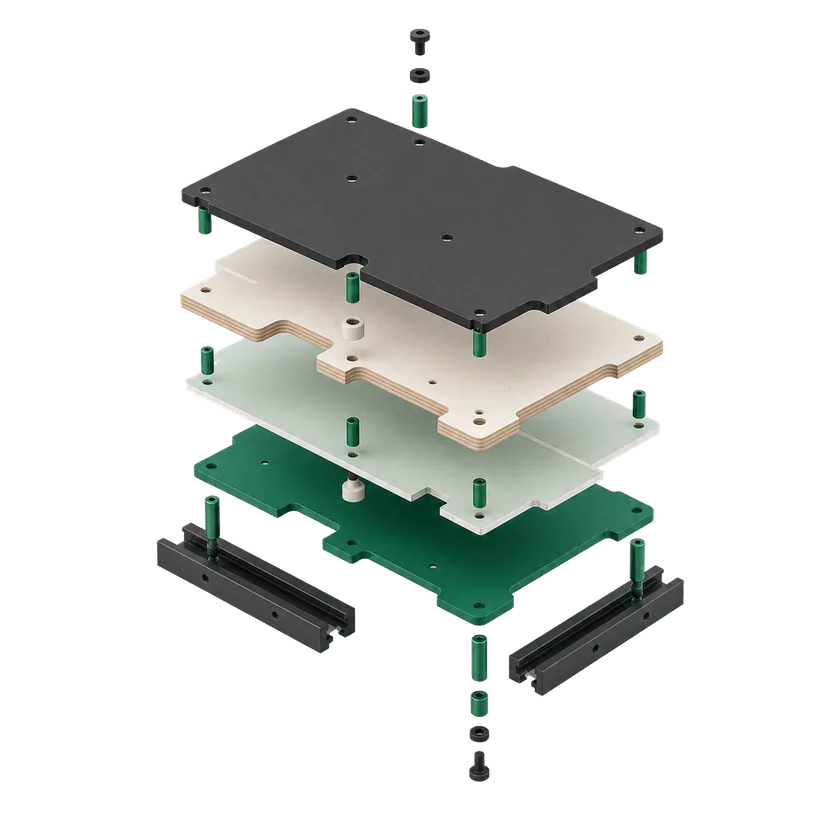
Six modules pass one project down the line, from the first click on your site to a build your shop can make.
The buyer builds the product and sees it in 3D.
LIVE 3D12 FT RUNThe total updates with each option.
YOUR BUILD
A PDF with renderings and a QR code that opens the 3D model.
Dealers quote with your catalog, your rules, their prices.
Every quote, order, and activity in one live feed.
One click sends the confirmed order with the full spec.
No new storefront and nothing to install. The same configurator drops into the places your buyers already are.
It runs on your site and on your partners' sites from one catalog. Nothing installs, and nobody maintains a second copy.
It opens in a browser: a showroom laptop, a phone in the yard, or the screen at your counter.
The buyer places the finished cabinet run in the room and checks its fit at real size before anyone signs.
Every PDF goes out in the seller's own name, with their logo on it, never ours.
Approved orders can land in your ERP and the lead behind them in your CRM. Nothing is exported or re-keyed.
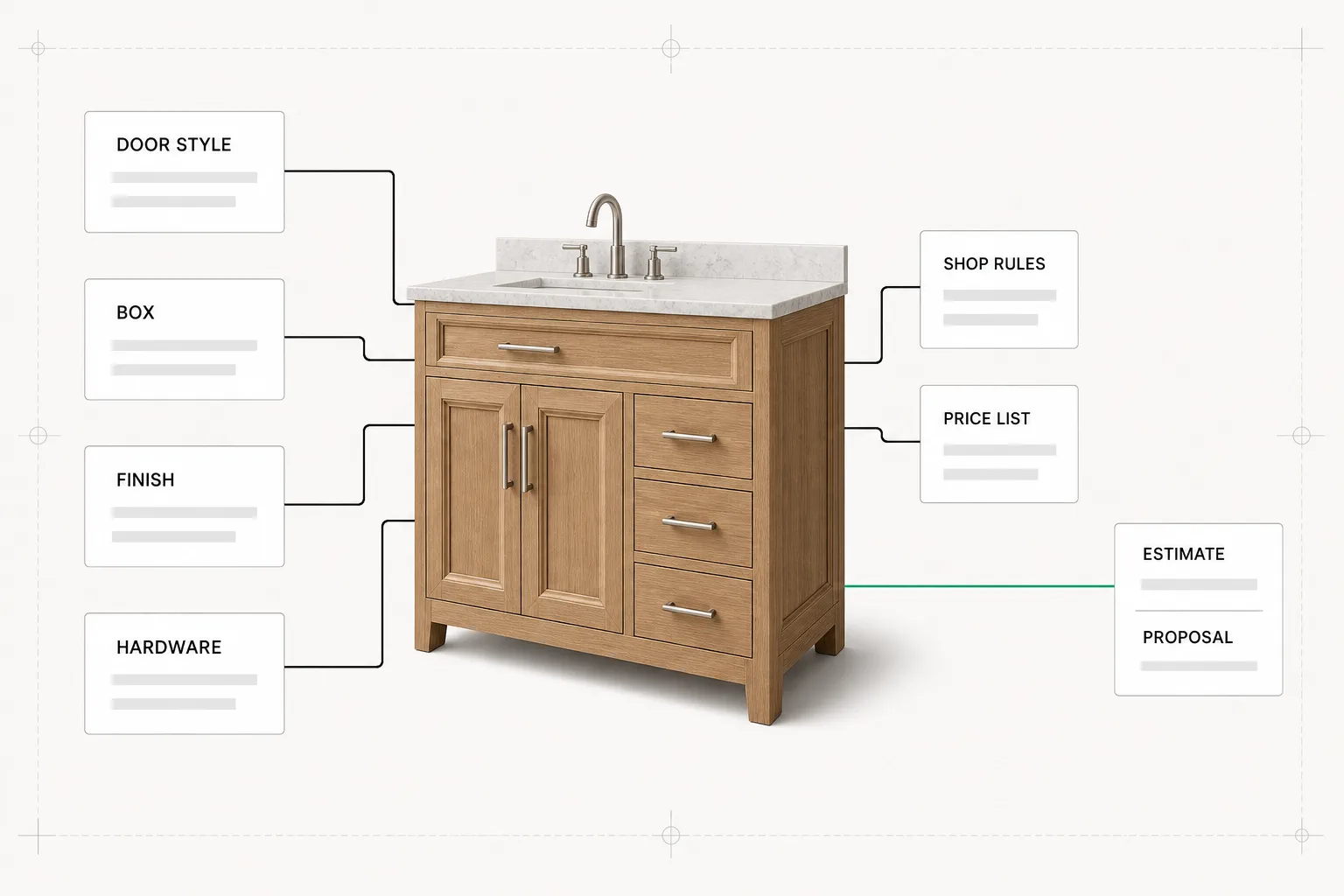
Cabinet estimating software prices a cabinet job from its options, not from a drawing. A shop or a dealer picks the door style, the box size, the finish, and the hardware, and the price builds by the linear foot as they go. It replaces the paper price sheet and the stale pricing spreadsheet, and it ends in an accurate estimate and a proposal the buyer can sign. A design app draws a kitchen and stops at a plan. This is the other kind. It is the tool a cabinet shop or a cabinetry manufacturer runs to turn an option list into estimates and proposals, on its own price rules. The same rule set prices kitchen and bath cabinets, closet systems, and the millwork package, so a custom vanity and a run of casework quote the same way as a kitchen. A custom width is one more option with a price on it, not a call back to the shop while the buyer waits.
Every door style, drawer front, box size, finish, and piece of hardware you offer, each priced by the linear foot or by the unit. It also holds the material and labor in each run, and the markup that protects the margin. That is what cabinet estimating software holds that a sheet cannot.
This is not a homeowner sketching a kitchen. It runs at the estimator's desk and in a dealer's hands at the counter. It is judged on one thing: how fast it reaches a number the buyer signs and your shop can build at a margin.
Turning an option list into a signed proposal is quote automation, applied to casework. If that is the open question, the guide starts there. The other open question, the order entry errors a hand-keyed cabinet spec invites, has its own guide too.
Written by Teodoro Pickett and kept current by the team that builds Dealect, in Mississauga, Canada. Who builds Dealect.
The price sheet is behind the last material change. The dealers each keep their own. And a custom size gets quoted off memory while the buyer waits.
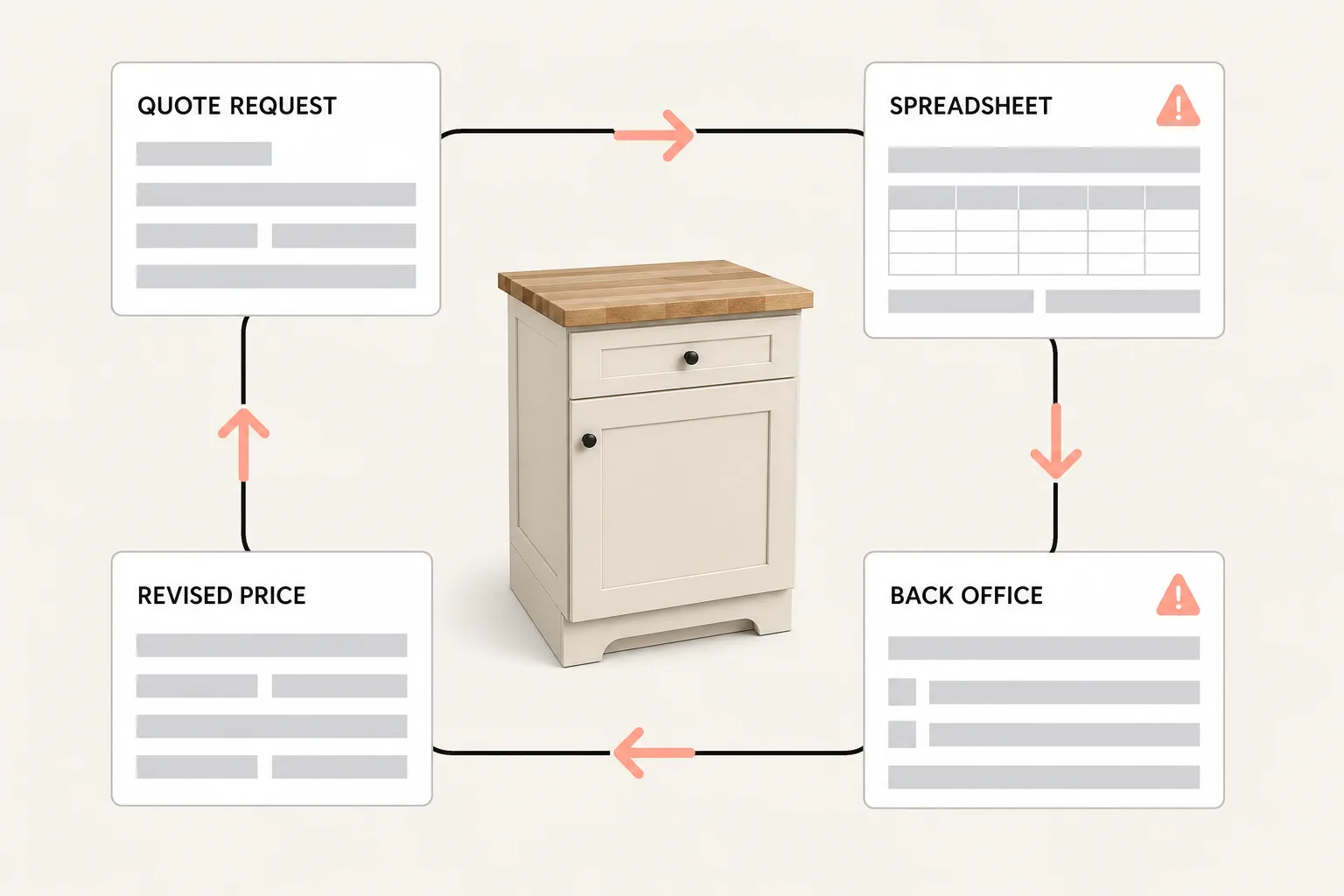
Plywood, hardwood, and hardware prices move all year. The printed sheet does not. The gap between the old price and the real cost comes out of your margin, after the boxes are built.
Hand ten dealers one price list and by spring you have ten, each with its own edits: a retired door style, a discount nobody approved. The list you check is never the one they quote.
A finish the line does not carry on that door. A frameless carcass with an inset door. Paper catches none of it, and the labor to fix it is yours.
The sheet stops at stock widths. The buyer wants a 34 inch vanity, not a 36. Someone prices it off memory, or calls the shop and waits, and the estimate is late and not accurate.
The draw first tools make you model the job before you can price it. The manual estimators price without a drawing, but leave your dealers out. This is the one in between.
Shaker, raised panel, slab, and inset, in the species and paint lines you carry. It drives the look and the price.
Framed or frameless, in the sizes and depths you build. The carcass sets what fits and what the run costs.
Stain, paint, or laminate, in the colours your line offers. A finish a door cannot take is never shown.
Hinges, slides, pulls, and organizers, priced per opening. Soft close and upgrades land on their own line.
Crown, light rail, toe kick, and fillers, counted with the cabinets so the run is complete.
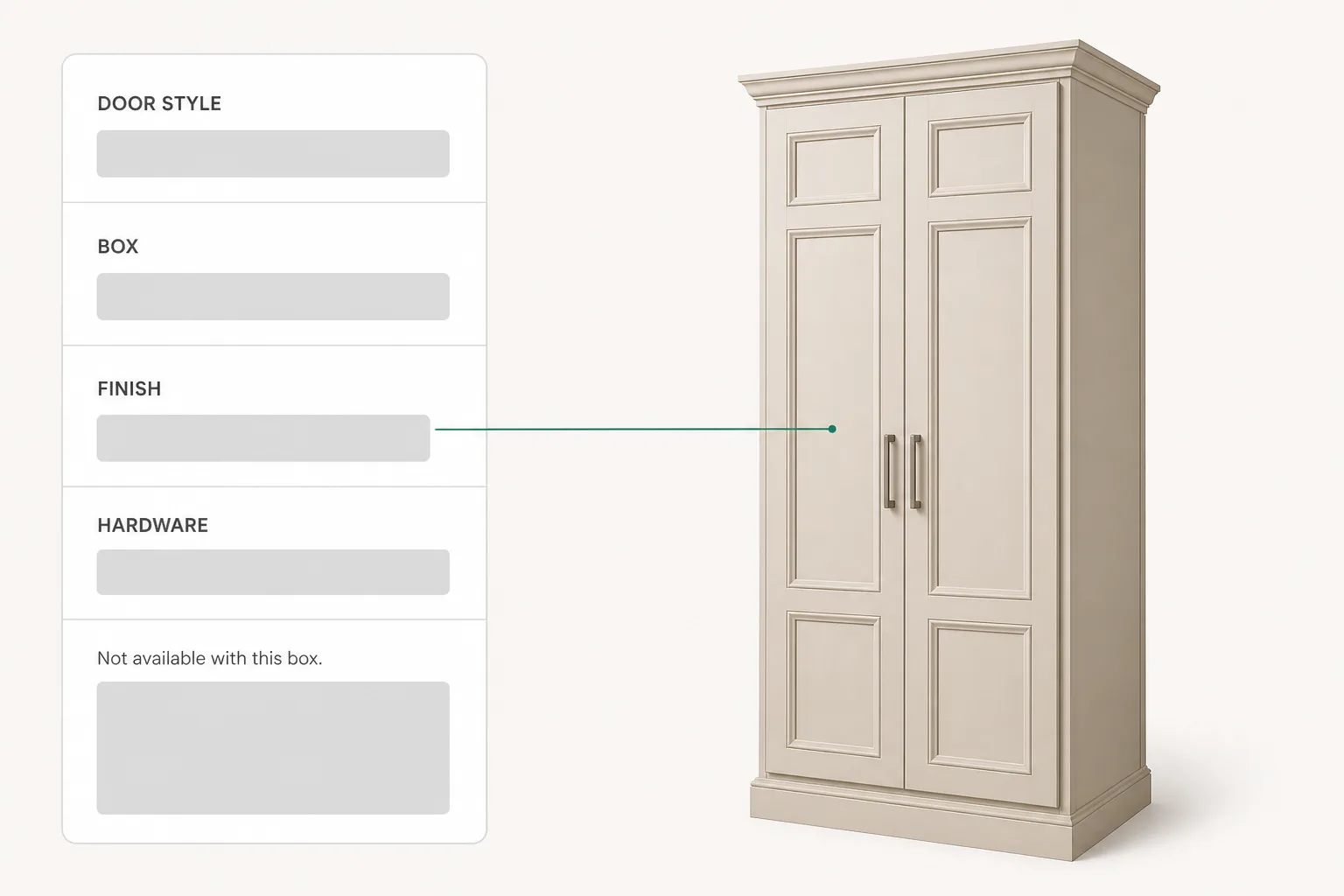
The price assembles from the options in one pass, no model built first. This is custom cabinet software between the draw first design tools and the draw nothing estimators: the buyer gets configured casework, priced, and your shop gets a buildable quote. The 3D product configurator underneath is your engine, in your door styles and prices.
Do I have to design the job first?
No. You price from the options, and the drawing is not the input. The configuration is.
Four moves your shop already makes, each one on screen instead of on paper.
Step 01 · The options, in the order the shop asks them
The screen asks what your estimator already asks: door style first, then box, then finish and hardware. Your rules sit behind each question, so a finish a door will not take is never offered. A new hire quotes it right on day one.
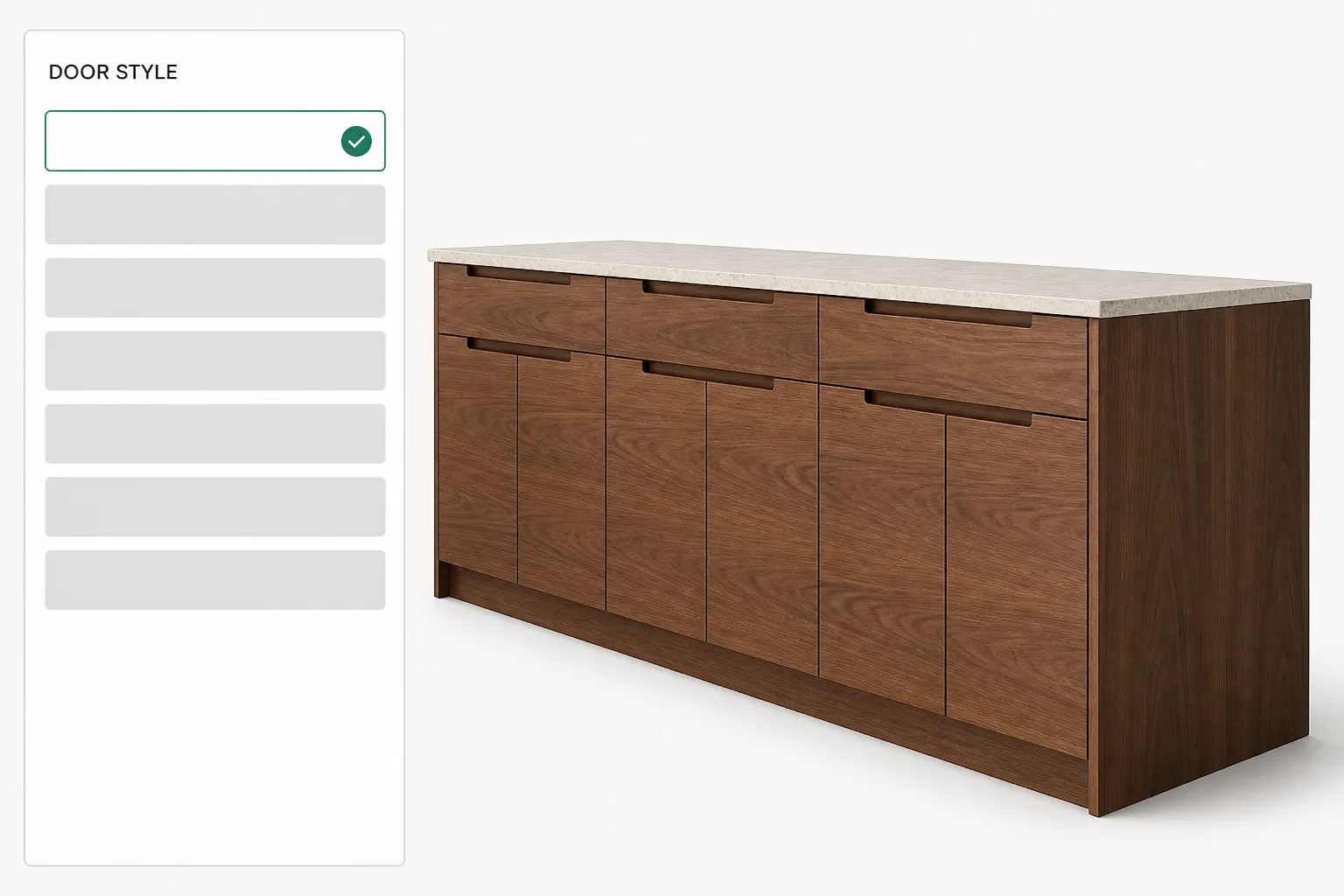
Step 02 · Every click, priced right away
Every option carries its price, so the estimate updates the moment the cabinet changes, with material and labor rolled in per linear foot or per unit. This is the cabinet pricing software for contractors and shops that quote by the run, not by the hour.
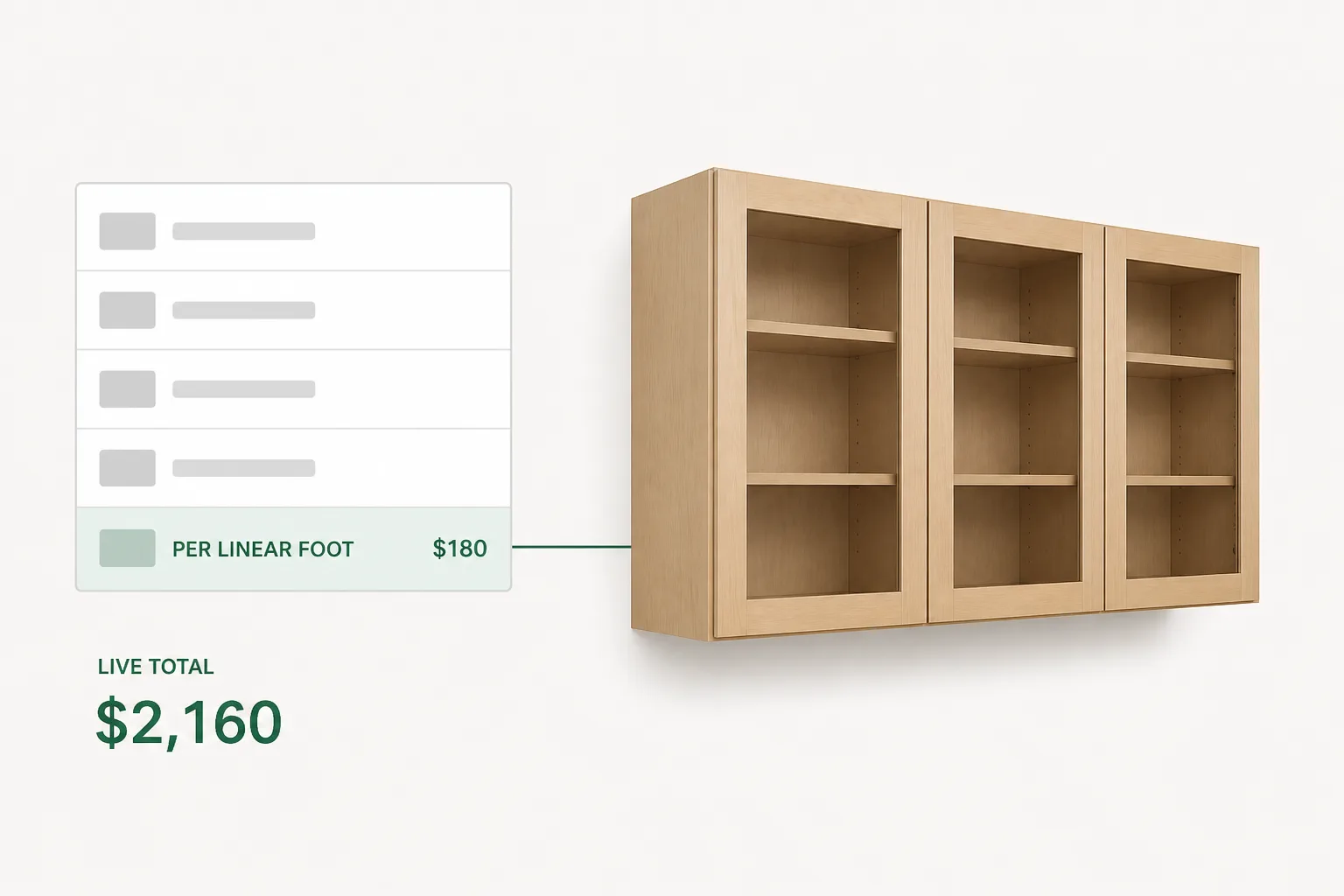
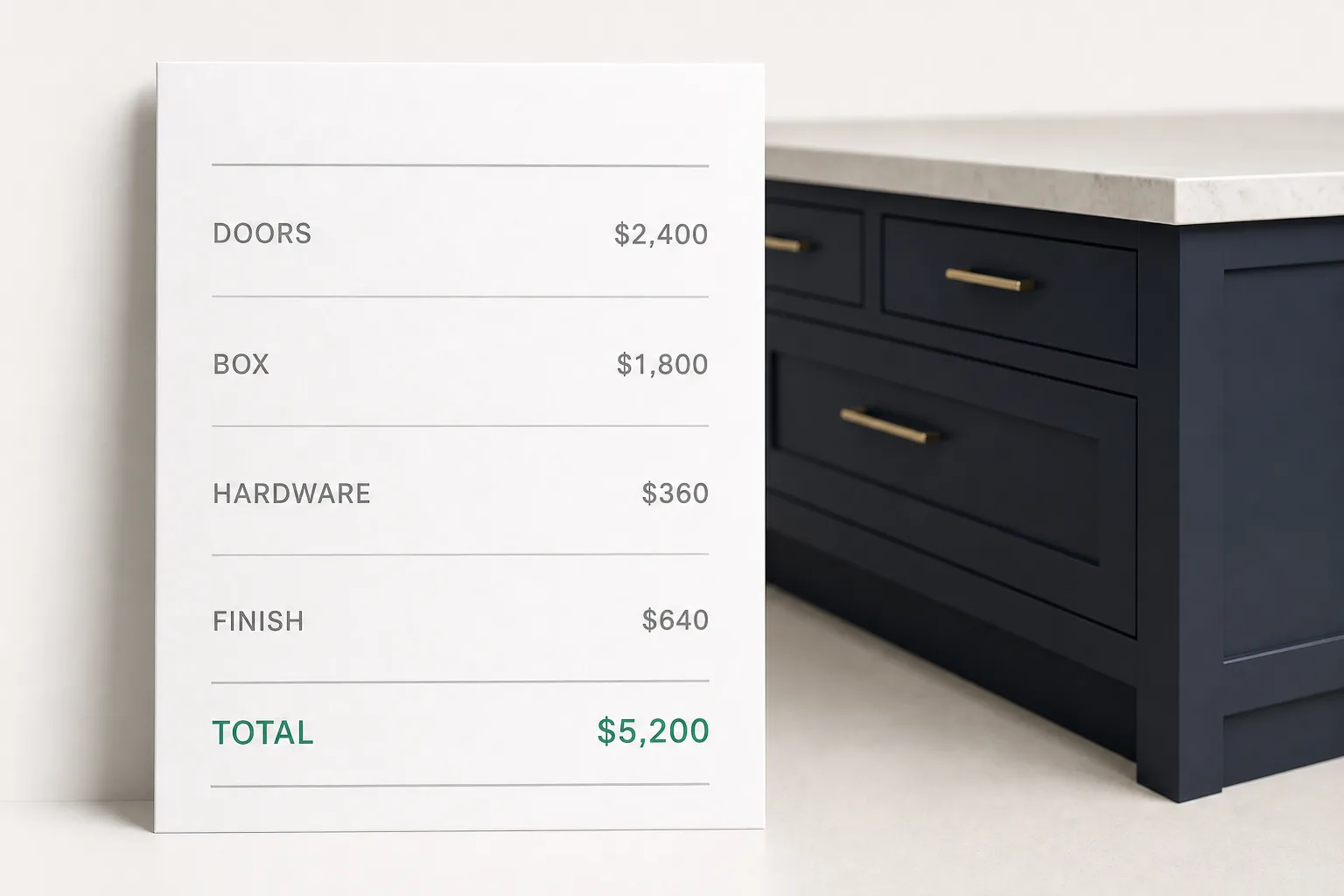
Step 03 · A proposal, not a promise to send one
The cabinets on screen become the proposal while the buyer is still at the counter. Line items, options, and the total carry straight from the build. Nobody retypes anything.
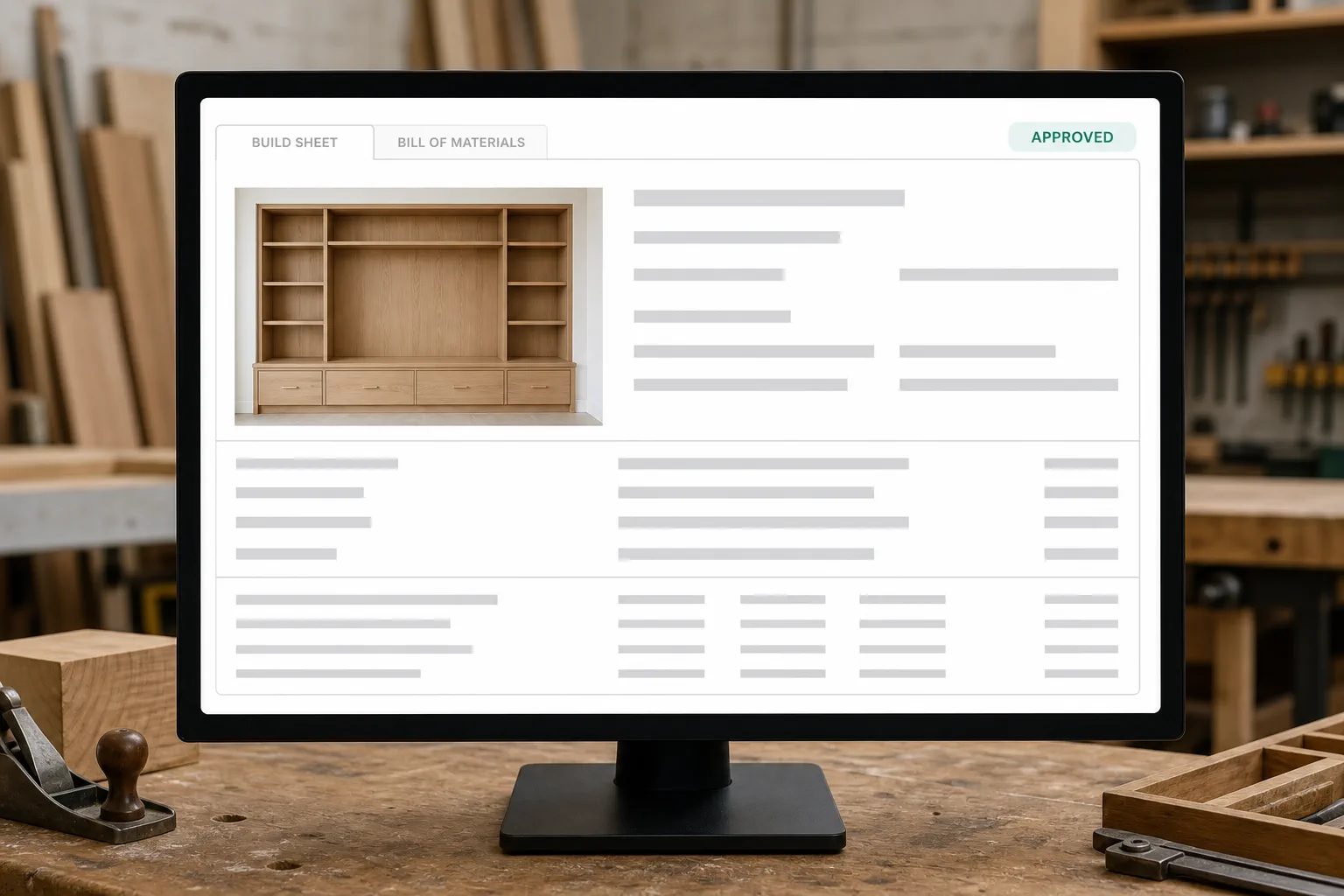
Step 04 · From the counter to the shop
When the buyer signs, the estimate becomes the order, the build sheet, and the bill of materials the shop works from. It flows into your ERP and the buyer into your CRM, without one cabinet keyed twice.
Three things it rolls into one number the buyer signs and your shop can build.
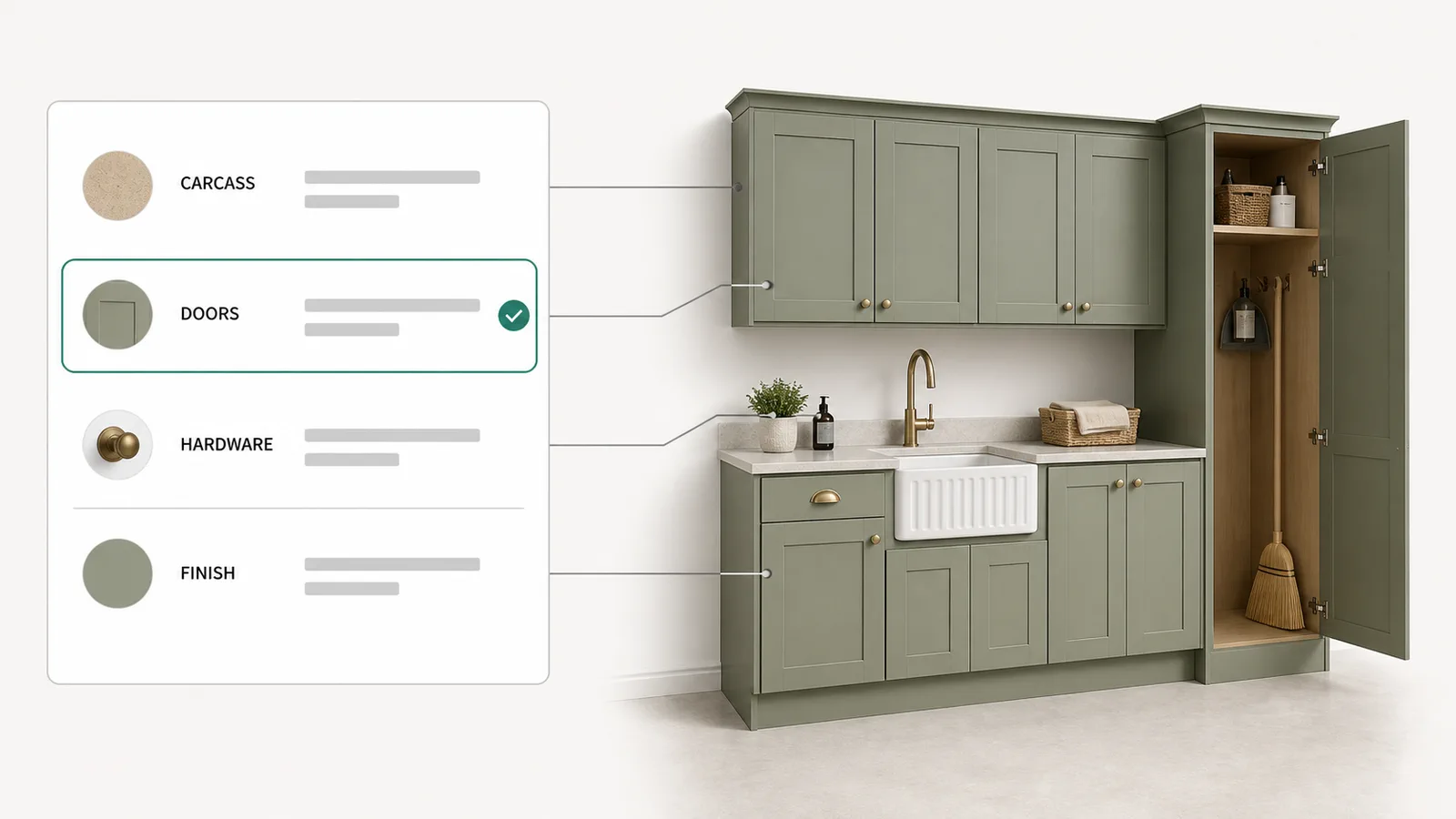
Carcass, doors, drawer fronts, hardware, and finish, each priced per linear foot or per unit, with material and labor rolled in. The estimate is accurate because the costs come from your price list, not from memory. This is the arithmetic a cabinet estimator does by hand tonight, done as the box is configured.
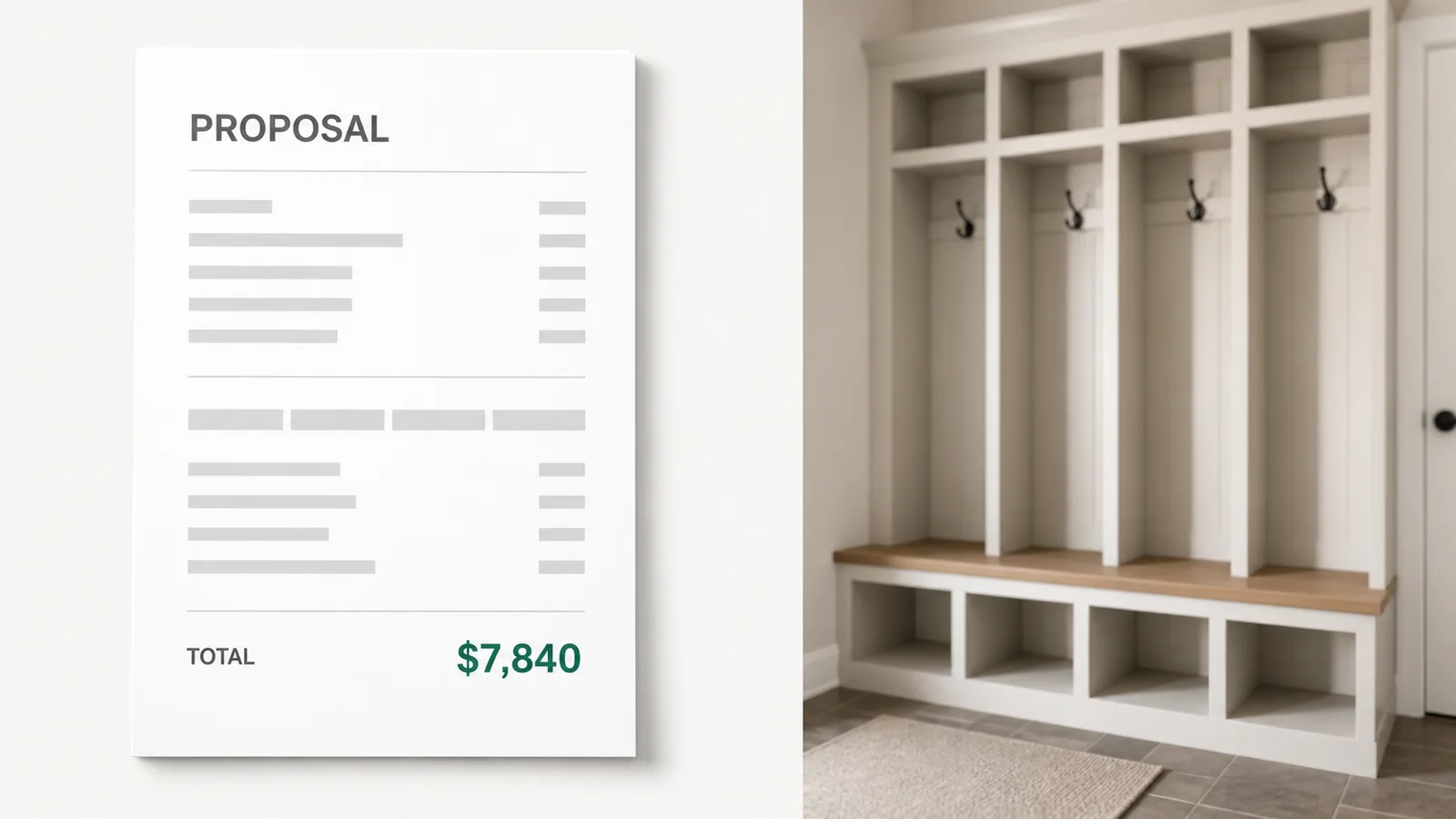
The estimate and the proposal come off one build, on your template, the hour the buyer asks. Cabinet estimating software that stops at a total leaves the selling document to hand assembly. Here the estimates and proposals are the record the buyer configured, and changing the cabinets changes both.
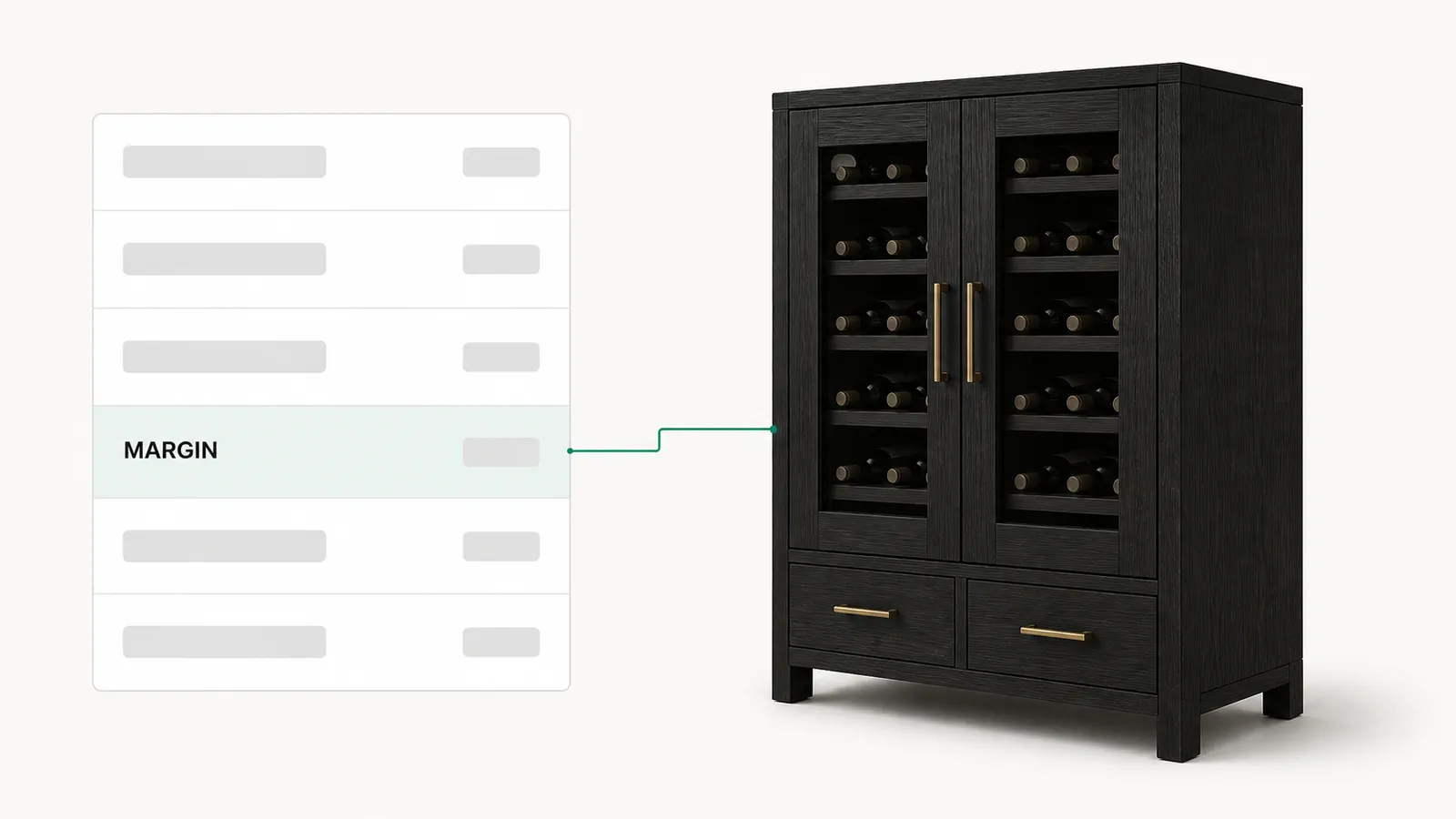
Markup, overhead, and profit are applied by rule, on every line, instead of guessed at the end. Each dealer quotes on its own price list, sees its own margin, and never sees your cost. The number the buyer signs is one your shop can build and still keep its profit on.
If you build cabinets and sell through a dealer network, the loop is the wedge. You publish the catalog and the price rules once. Every dealer configures the same casework in the same portal, on the price list you set for that dealer. Each one sees its own margin and never your cost. The buyer gets a quote at the counter, and the accepted order flows back for production. The dealer portal they all quote in is our b2b customer portal, and the pricing engine behind it is CPQ for manufacturers. If the acronym is new, what CPQ means walks it letter by letter.
A kitchen, a closet, and a run of casework price on one engine, on one set of rules.
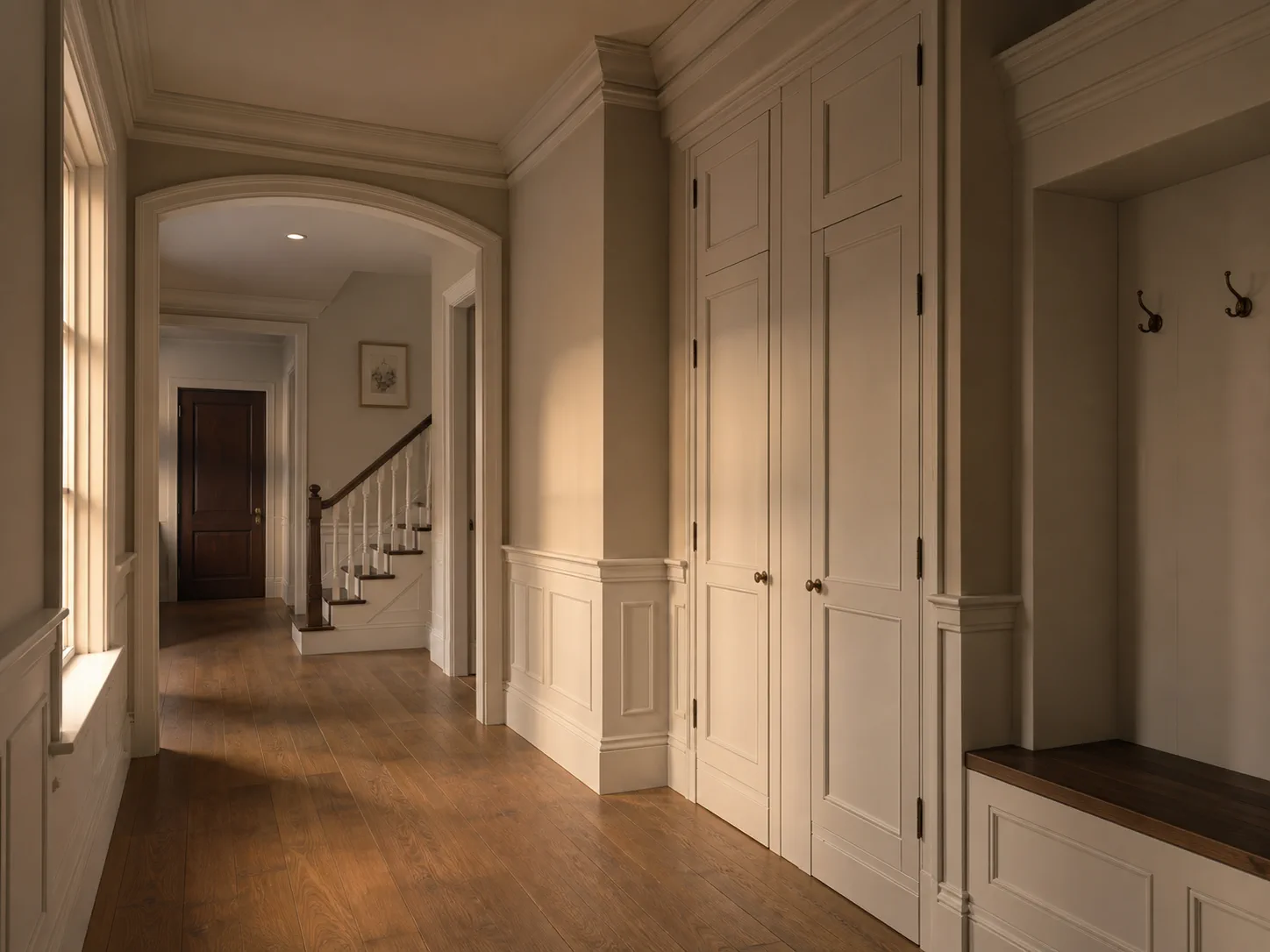
One rule set prices all of it, from a kitchen to a bath vanity, a closet system, or a run of architectural millwork. People search for kitchen cabinet design software or a kitchen configurator when what they need is a price, not a drawing. A cabinet design software drawing does not produce a quote. Kitchen, closet, and casework are option sets on one engine.
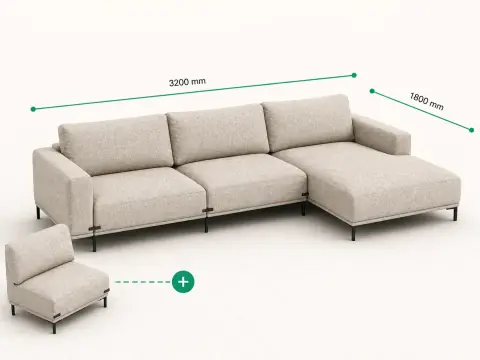
Configurable seating, tables, and upholstered products follow the same ruled catalog pattern. See the furniture configurator for that workflow.
| On the estimate | Kitchens and baths | Closets and storage | Millwork and casework |
|---|---|---|---|
| What the buyer picks | Door style, box sizes, finish, hardware, and organizers | Tower widths, shelving, drawers, hanging, and accessories | Profiles, species, lengths, and the run to match |
| What decides the price | Linear feet of cabinets, the door style, and the finish | The opening, the mix of shelves and drawers, and the finish | Linear feet of profile, the species, and the joinery |
| What it outputs | An estimate, a proposal, and a build sheet per room | An estimate and a build sheet for the opening | A materials list and a quote for the package |
We do not set the grade a millwork package is built to. The grades, tolerances, and finish criteria a specification names come from the woodwork standards the Architectural Woodwork Institute publishes. A configurator carries the grade into the rule and into the price, so the quote and the shop drawing describe one job.
One base cabinet range, counted out loud: more cabinets than any printed sheet can hold. Arithmetic on a stated assumption, not a claim about your shop.
5
Door style, box size, finish, hardware, and trim. The order a shop asks about them on a real job.
24
Six door styles, four box sizes, five finishes, five hardware sets, and four trims to keep priced while materials move.
2,400
6 × 4 × 5 × 5 × 4. Every combination is a cabinet you can quote and build. The printed sheet lists a handful.
The seat count never changes the bill. What a cabinet configurator costs is on our pricing page, and your figure comes on the demo call.
No. You price from the options, not from a drawing. The estimator or the dealer picks the door style, the box, the finish, and the hardware, and the software prices the cabinet as it goes. The drawing is not the input; the configuration is.
It prices each option off your list, with material and labor rolled in, so the estimate is finished the moment the cabinet is configured. Costs come by the linear foot, with markup, overhead, and profit applied by rule. A configured cabinet becomes an accurate estimate and a proposal in minutes, not an afternoon.
Yes. A won job carries into the systems you already run: QuickBooks, NetSuite, Acumatica, or a 2020 workflow, plus your CRM. The estimate, the order, and the bill of materials come from one record, so nobody keys the same cabinet twice.
Yes. Kitchen and bath cabinets, closet systems, and the millwork package all price on one engine. Each is its own option set and price list, so a kitchen, a run of casework, and a custom vanity quote the same way. Millwork counts with the cabinets, not after.
It runs online, in the browser, on the estimator's laptop and the dealer's tablet, nothing to install. You pay per manufacturer or shop, not per seat, so another seat never changes the bill, and dealers never pay for the portal they quote in. There is no published price; the pricing model is on our pricing page, and your figure comes on a 30-minute demo call. The call is the quote: you bring your door styles and your price list, we configure a cabinet on your rules, and the figure you get is scoped to your product line and your dealer count. Nothing needs preparing beyond the price list you already quote from.
Yes. Cabinet estimating software is only worth it to a network when every dealer quotes the same way. You publish one catalog and one set of price rules, and every dealer configures on the price list you set, seeing its own margin, never your cost. A dealer you add next season quotes on day one.
Last updated
Same portal, same dealer login, one more trade at a time.
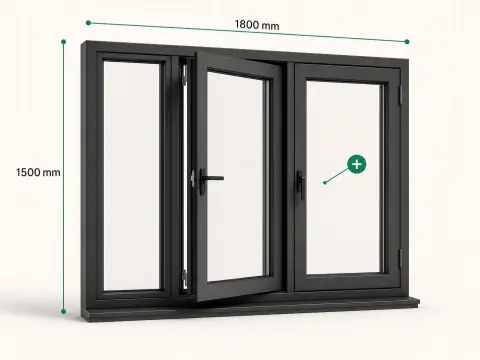
Bring your door styles and your price list to a 30-minute call. We configure a cabinet, let your rules price it, and produce the estimates and proposals while you watch. The same engine runs the cabinet estimating software your dealers quote on. We reply by email to set a time.
Your call is with the Dealect team.