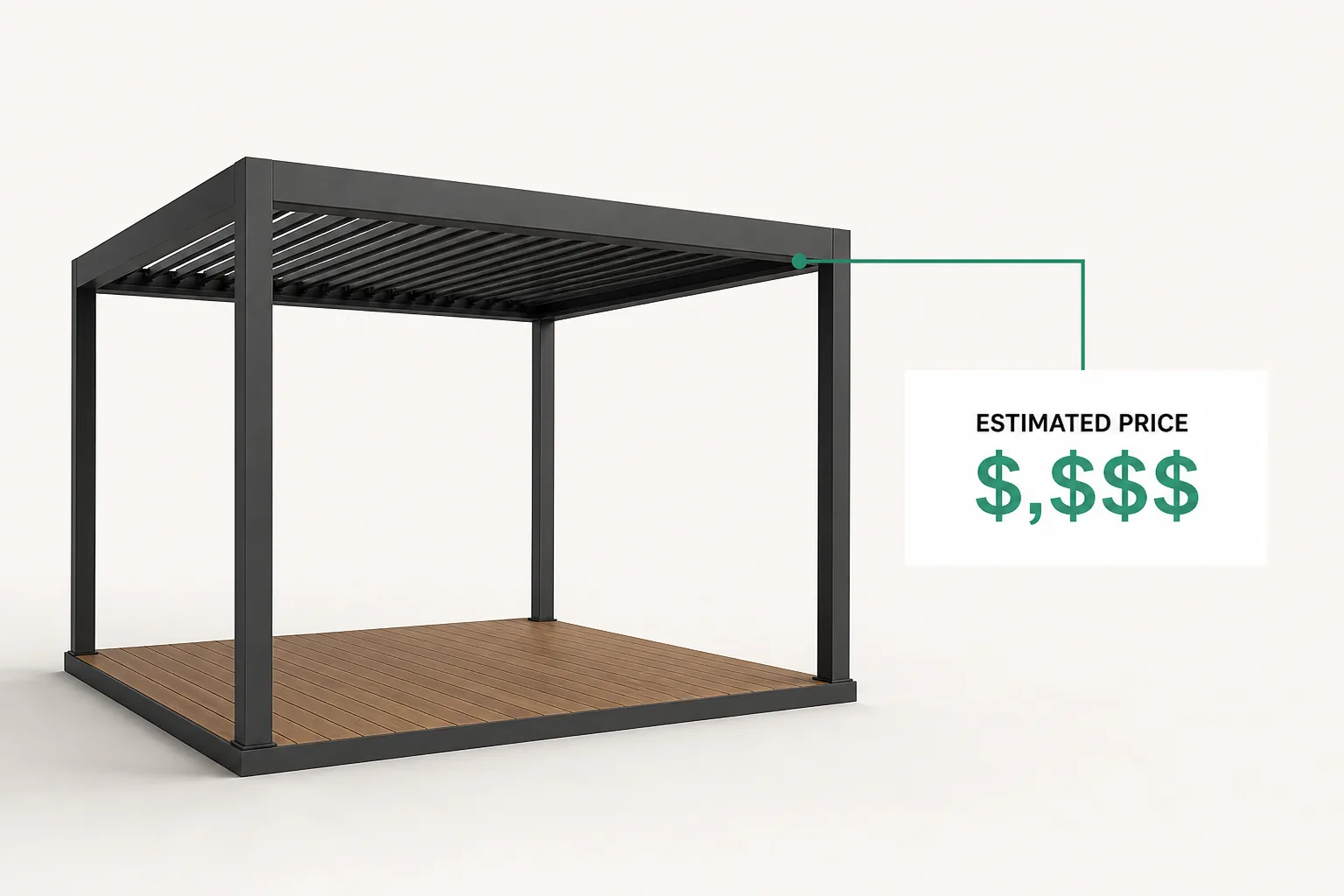
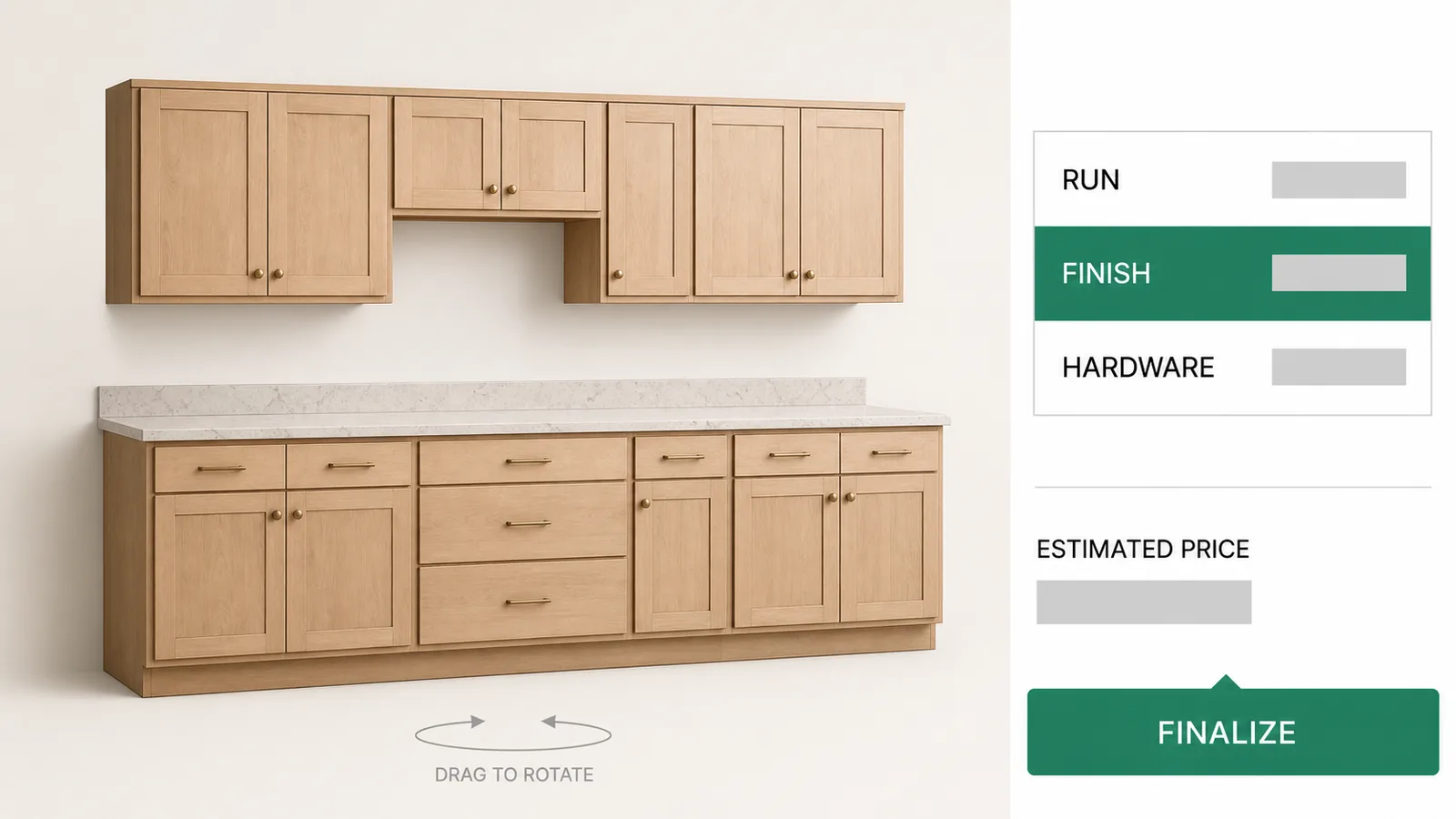
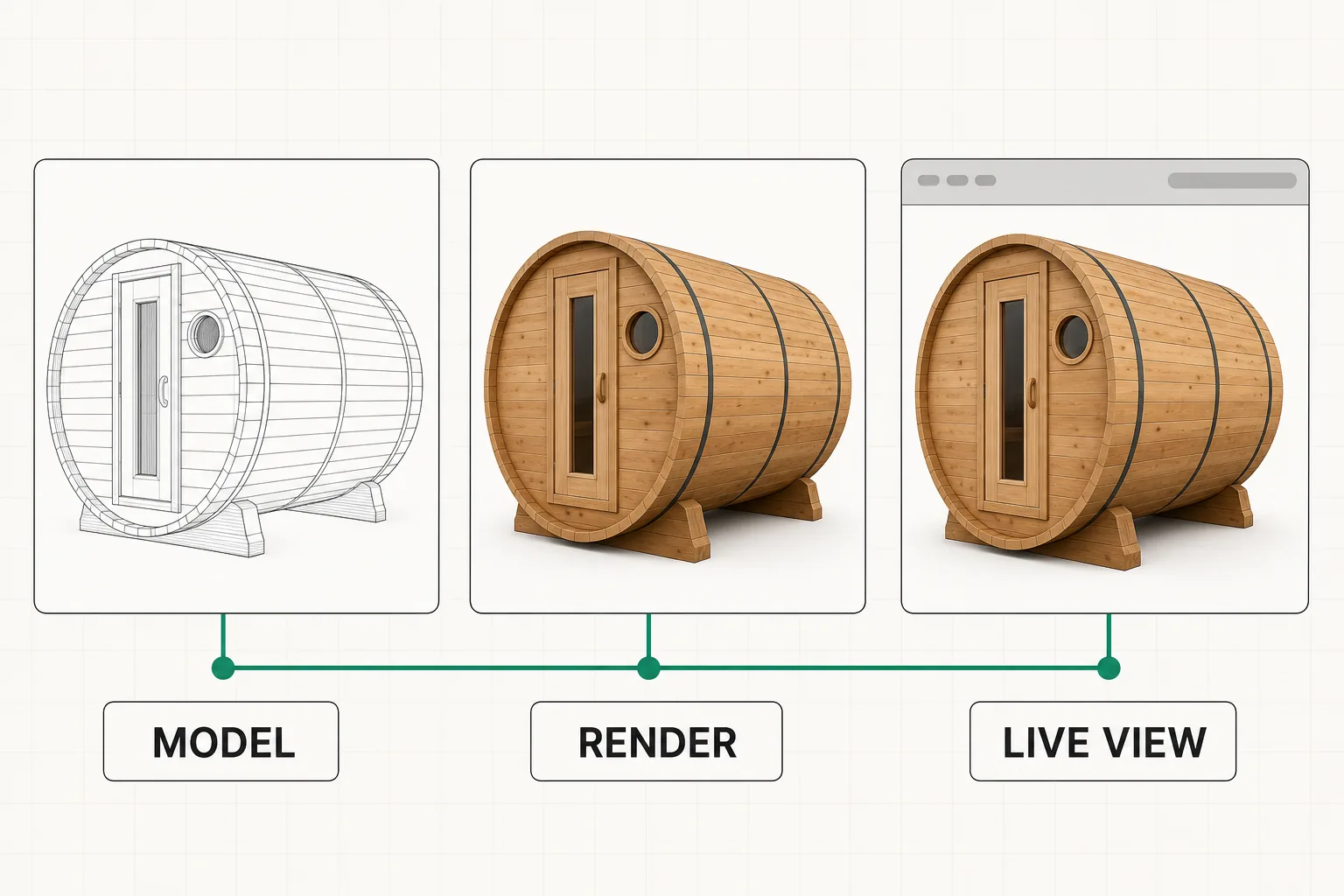
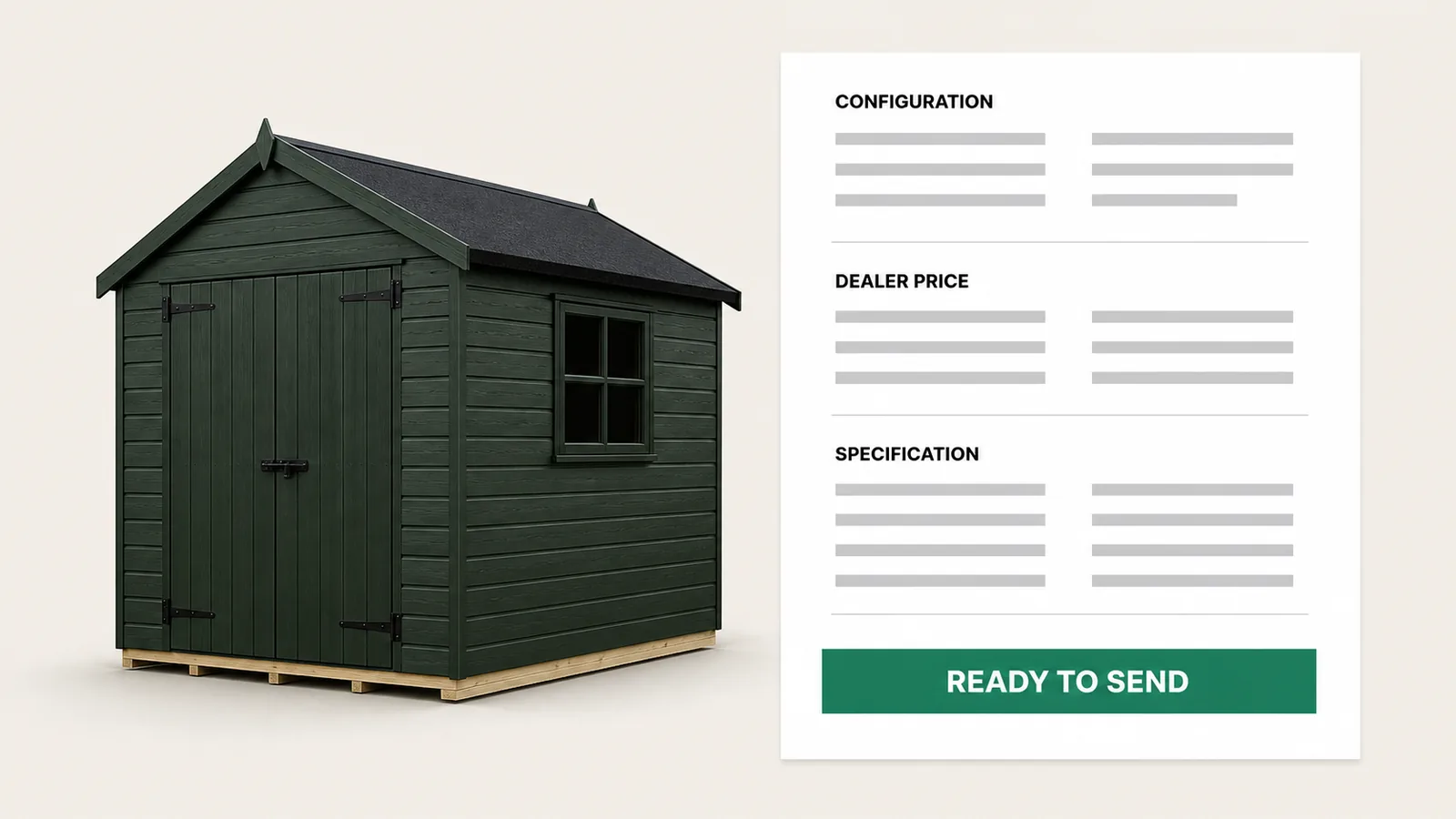
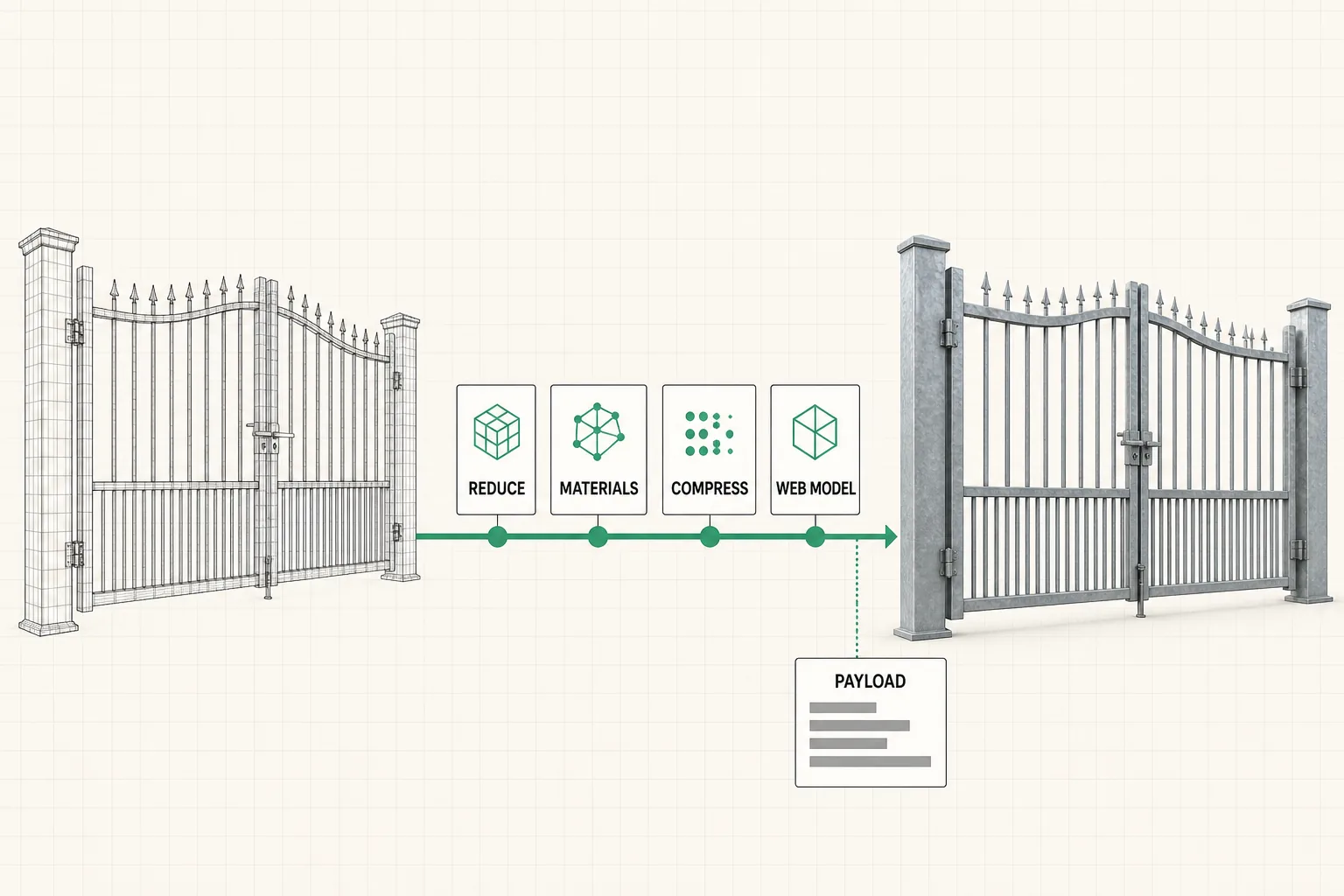
Choose by the output, not the picture. A polished interactive demo can hide an asset process that does not accept your CAD, a mobile payload your dealers cannot load, or a model that ends at a screenshot instead of a quote.
1. Where does the model come from?
Ask whether the system accepts your engineering design files, expects finished web assets, or includes artist work. The answer moves the setup price and ownership of catalog changes.
2. Where does it run, and how heavy is it?
Test the real model on the real phone and connection your dealers use. The median mobile home page was already 2,559 KB in 2025, including 911 KB of images and 632 KB of JavaScript ( HTTP Archive, Web Almanac 2025). If finishes are the only visible change, compare a 2d product configurator vs 3d before paying the payload cost.
3. What drives the options?
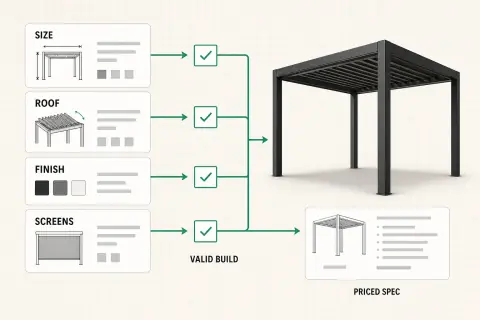
A material picker changes appearance. A rule set can also require a support, block an impossible span, and recalculate dependent dimensions. That difference is what makes a 3d product configurator useful for a configured manufactured product.
4. Where does the output go?
Follow the last click. It may produce a screenshot, add a SKU to a cart, create a quote, or send a valid specification to production. Buy the path your sales process needs.
5. Who maintains it in year two?
Ask how your team changes a price, option, material, or rule. If business data is hidden inside code, each update becomes a development request. Maintenance is part of the product.